
Articles / Event Attendance Tracking for Sports Clubs: A Practical Guide
ARTICLES FOR SPORTS CLUBS
Event Attendance Tracking for Sports Clubs: A Practical Guide
The most reliable way for a sports club to track event attendance is to keep one record per person that runs from booking to check-in to follow-up, held in the same system as your membership list. When the guest list lives in one place, the door count in another and the member database in a third, nobody can say who turned up, who didn't and what it meant. Sports Club OS is built so that memberships, event and function scheduling, bookings, communications and reports sit together, which is what makes attendance data usable rather than just collected.
Published 11 November 2026.

Why a club should track attendance at its events
This guide covers what to record, how to run check-in on the day (including for members who don't carry a smartphone), how to deal with walk-ins and no-shows, what Australian privacy rules expect, and how to turn the numbers into better events.
Because a guess about turnout is expensive in both directions. Too little food, too few volunteers or a short-staffed bar spoils the night. Too much wastes the club's money.
The Melbourne Cricket Club shows how far the idea can go. It combined turnstile data and other variables to forecast attendance, arrival patterns and member turn-up rates, and its average forecast error was 4.8%, against around 14% for gut-feel forecasts. Its business intelligence manager described the aim as replacing gut feel with factual information so the right resources are in the right place at the right time. You don't need a stadium to benefit from the same discipline. A club running a presentation night, a junior come-and-try day or a Saturday social tournament faces the same questions on a smaller scale: how many, when, and who.
There are four practical payoffs for a club:
- Planning: catering, rostered staff, volunteers, parking and seating are sized to real patterns instead of last year's memory.
- Accountability: committees can show members, sponsors and grant bodies what an event actually delivered.
- Member care: a member who used to come to every social event and has stopped is someone worth a phone call.
- Cost control: you learn which events earn their place on the calendar.
What to record at every event
Keep the list short and identical across events. A consistent set of figures lets you compare a winter trivia night with a spring one, which a pile of one-off spreadsheets never will.
| Figure | What it tells you |
|---|---|
| Registered or booked | How much interest the event generated |
| Checked in | Who actually arrived |
| Walk-ins | Demand you didn't see coming |
| No-shows | The gap between booked and arrived, and who to follow up |
| Arrival times | When to open the doors, start the food or roster staff |
| Ticket or booking type | Which member categories, guests or juniors attend |
| Member or guest status | Whether the event reaches members, families or the wider community |
| Revenue per ticket type | Whether the event paid its way |
If you record only one thing beyond the headcount, make it the check-in time. Arrival curves are what turn a number into a staffing decision.
How to set up a reliable attendance process
A process is reliable when a volunteer who has never done it before can run it on the night. Build it in this order.
1. Start with registration, not the door
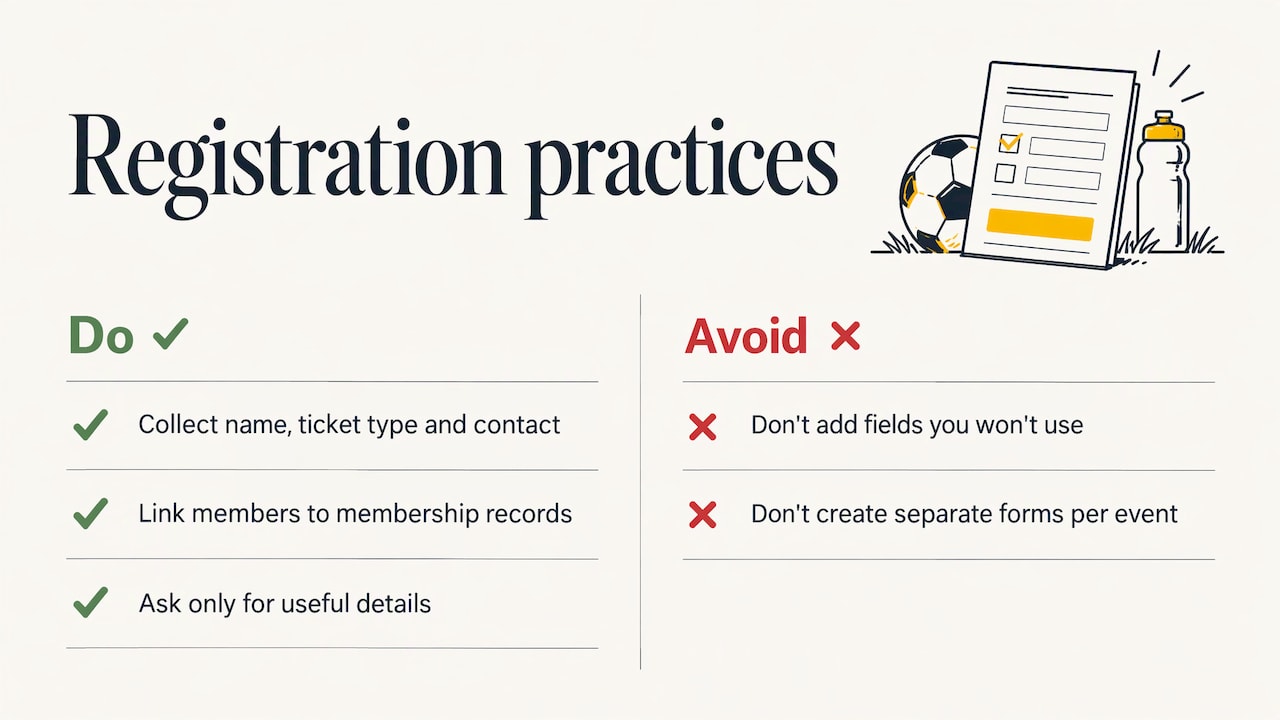
Attendance tracking begins when someone books. Collect the name, the ticket type and one contact method at registration, tied to the person's membership record where they are a member. Every extra field you ask for should be something you will actually use. If you use a separate form for each event, you will end up with a separate, incompatible list for each event, and that is where tracking falls apart.
With Sports Club OS, event and function scheduling sits alongside the membership records, so a booking belongs to a known person instead of a loose line in a spreadsheet.
2. Decide the question the data must answer
Before the event, write down what you want to learn: Did juniors' families come? Did the new members attend? Was the function worth the cost? The question decides which figures from the table above you review afterwards, and stops you collecting data nobody reads.
3. Choose your check-in methods
Pick a primary method and a fallback. Options are covered in the next section. The rule is that the fallback must work with no phone, no internet and no technical skill.
4. Assign a person to the door
One named person, ideally two for larger events, owns check-in. They are not also serving drinks. Shared responsibility is the most common reason a count ends up as "about 80".
5. Brief the door team
Give them a two-minute briefing: where the list is, how to add a walk-in, what to do when a name isn't found, and who to call with a problem. Keep it written so the same briefing works next time.
6. Run check-in and watch the running count
A live count of arrivals against expected attendees lets the event manager act during the night: call for more catering, open another bar, or hold the speeches until the room fills.
7. Close out the same night or next morning
Correct mistakes while memories are fresh, reconcile the final numbers and save the figures where the committee can find them. A record cleaned up two weeks later is a record that is wrong.
Check-in methods, including members without smartphones
No single method suits every member, and a club's membership usually spans teenagers and people in their eighties. Most clubs combine the following.
- QR code scanning by a check-in team. Each booking carries a code, and a volunteer scans it from the member's phone or a printed confirmation. It is fast and produces an arrival time automatically.
- Name lookup. The door volunteer searches by name or email and ticks the person off. This is the everyday fallback for anyone who forgot their phone or never received the confirmation.
- Ticket code entry. If a scan fails, typing the code by hand does the same job.
- Self check-in. For casual events, a tablet or a code on a poster lets people check themselves in, which helps when the door is crowded.
- Printed list as a last resort. For a power or internet failure, a printed list of booked attendees keeps the night moving. The key is to enter those ticks into the system afterwards so the record is complete.
Members without smartphones are best served by name lookup and a printed list, handled by a friendly volunteer who knows them. The aim is that nobody is made to feel the system is the problem. Printed roster and function sheets are a handy backup for the door team.
Handling walk-ins, cancellations, no-shows and mistakes
Real events are messy. A process that only works when everyone behaves exactly as booked isn't a process.
Walk-ins. Add them at the door as new attendees, with the same fields you collect at registration, and mark them as walk-ins. They are valuable data: a high walk-in rate means you under-promoted or under-catered.
Keep bookings and check-ins separate. Never overwrite the booking list with who arrived. The two lists together give you your no-show figure. If you merge them, you lose it.
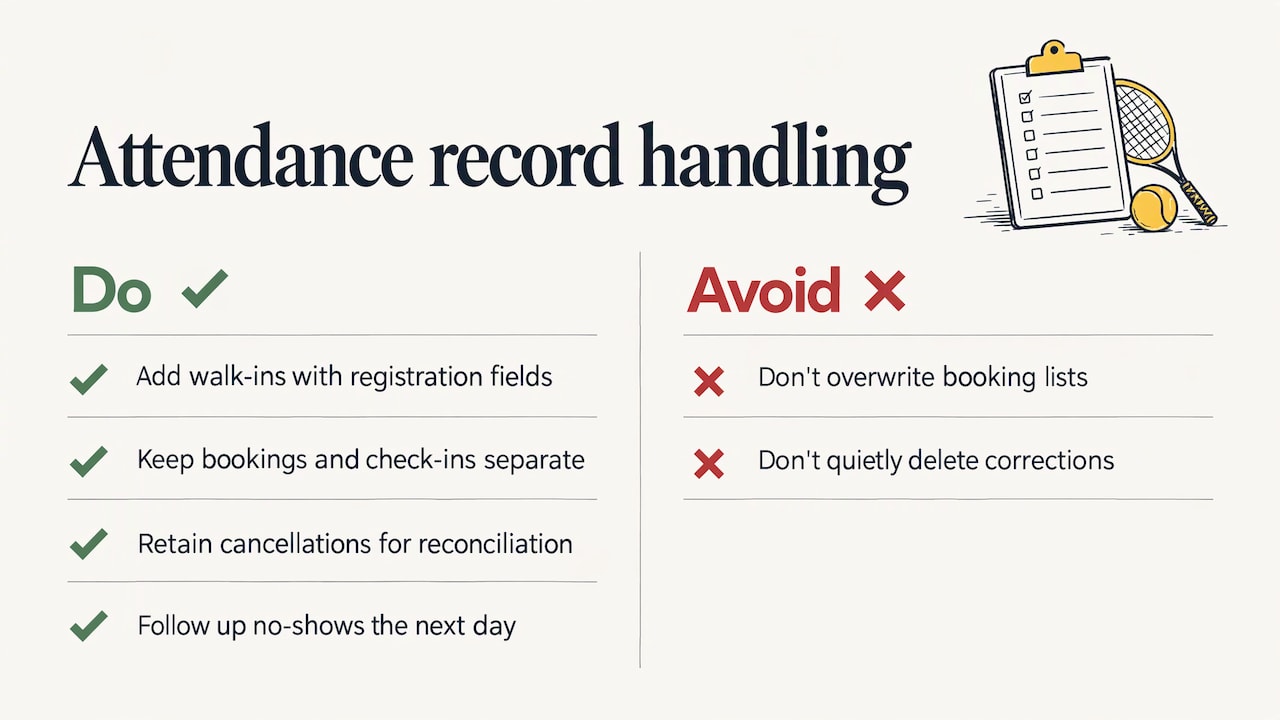
Cancellations. Release the place, note the reason if offered, and keep the cancelled record so your final numbers reconcile. Cancellations close to the event are worth tracking separately, because they show whether your catering cut-off date is realistic.
No-shows. Treat them as a follow-up list, not a verdict. Someone who booked and didn't arrive may have been sick or forgotten, and a short message the next day keeps them connected. Repeated no-shows at paid events are a conversation for the committee, not the door volunteer.
Duplicates and wrong ticks. Two people scanning the same code, or a volunteer ticking the wrong name, are routine. Your process needs a clear way to spot a duplicate check-in and to undo an incorrect one, with the correction made by the event manager rather than quietly deleted.
Protecting attendee information
An attendance list is personal information: names, contact details and sometimes the names of children. Treat it that way from the start.
If your club is covered by the Privacy Act 1988, the Australian Privacy Principles set out what is expected. APP 1 requires personal information to be managed openly and transparently, APP 10 requires reasonable steps to ensure it is accurate, up to date and complete, and APP 11 requires reasonable steps to protect it from misuse, interference, loss and unauthorised access, modification or disclosure. Whether your club is formally covered depends on its circumstances, so a committee unsure of its position should check with the Office of the Australian Information Commissioner. Good habits are worthwhile either way.
In practice:
- Collect only the details you will use.
- Give each role the access it needs: a door volunteer needs a guest list, not the full membership database.
- Don't pass around attendee lists by email or in group chats, and don't leave printed lists on a bar.
- Remove access when volunteers or committee members step down.
- Tell people at registration why you collect their details and how they will be used.
The club's Trust Centre page explains how Sports Club OS approaches security and trust, which is a useful reference when your committee is reviewing its own data practices.
Turning attendance data into better events
Collecting the data is half the job. Run a ten-minute review after each event while the details are fresh.
- Compare booked, arrived and walk-ins. A large no-show gap suggests reminders are needed. A large walk-in count suggests promotion started too late.
- Look at the arrival curve. If most people arrived in the first twenty minutes, front-load your staffing. If they trickled in, you can stagger it.
- Segment by ticket type. See whether members, guests, families or juniors turned up, and whether that matches who the event was for.
- Follow up. Thank those who came, and contact no-shows and lapsed regulars. Attendance records stay linked to the individual, so follow-up can be personal, not a blanket email.
- Record the lesson. One line in the event file ("start food at 6.30, not 6") saves the next organiser from repeating the mistake.
Over a season, these figures become evidence. Committees can use them to decide which social events to keep, what to ask of coaches, and how to support a funding application with real participation numbers. Reporting is easier when everything is in one place, and club reports with an AI report assistant are designed to help management teams see the picture without building spreadsheets by hand.
Our perspective
Most clubs we talk to are not short of data. They are short of one place to put it. The guest list is in a spreadsheet, the payments are somewhere else, and the person who ran the last event has moved on and taken the knowledge with them.
We built Sports Club OS with people who have run clubs, so we think about attendance as part of the whole member relationship, not a stand-alone task. An event is a booking, a communication, a roster, a cost and a report. When those pieces are connected, tracking attendance stops being extra work and becomes a by-product of running the event.
Our advice to any committee is to start small. Pick the five figures that matter, record them the same way every time, and look at them after each event. A club that does that for one season will make better decisions than one with a sophisticated system nobody uses.
Adam
Bring attendance, members and reports together
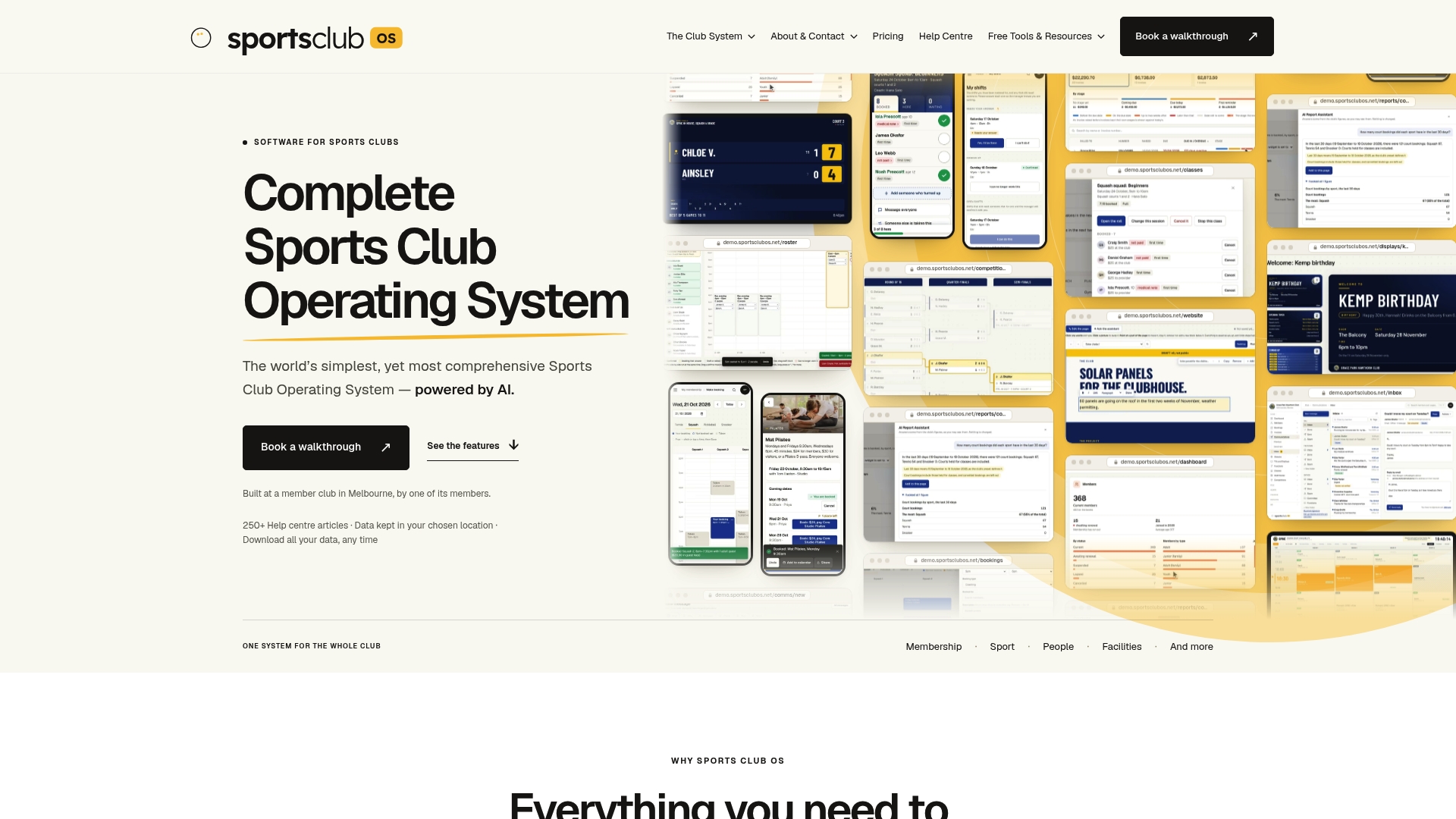
Sports Club OS is a cloud-based operating system for sports clubs, covering membership management, event and function scheduling, court and facility booking, staff rostering, bulk communications, a member inbox, point of sale and financial reporting, accessible across devices. It is fully managed, so there is nothing to install, and pricing is a fixed monthly fee with no revenue share. If your committee is weighing up options, how to choose club management software sets out the questions worth asking, and you can see the whole platform on the Sports Club OS site.
Managers and staff who want to see how it fits day-to-day work can start with the page for staff and managers, and committees can look at the page for committees.
Sources
What is event attendance tracking in a sports club?
It is the practice of recording who booked for a club event and who actually arrived, along with when they arrived and what type of ticket they held. The two lists together give you turnout, no-shows and walk-ins. Done consistently, it lets a committee plan and report with facts instead of estimates.
How do we track attendance for members who don't have smartphones?
Give the door team a name lookup or a printed list of booked attendees, and have a volunteer tick people off. Enter any paper ticks into the system after the event so the record stays complete. The member never needs a phone, and the club still gets an accurate count.
What should we do about people who booked but didn't turn up?
Keep them on a separate follow-up list and send a short, friendly message afterwards. One missed event is rarely a concern. Patterns across several events are worth a look, particularly where the event had a cost the club had to cover.
Do we need to worry about privacy when tracking attendance?
Yes, because attendee lists contain personal information. The Australian Privacy Principles expect organisations they cover to manage information openly, keep it accurate and protect it from misuse and unauthorised access. Collect only what you need, limit who can see it and remove access when volunteers move on.
How many figures should a club record per event?
A handful is enough: registered, checked in, walk-ins, no-shows and check-in times, plus ticket type. Keeping the set small and identical across events matters more than recording everything, because it lets you compare one event with the next.
BOOK A WALKTHROUGH
Get a personalised walkthrough and demo
Book a walkthrough and bring the jobs that take your office the longest.