
How to
See your invoices and receipts
See every invoice addressed to you, what you owe, how to pay, and print an invoice or a receipt.
Who this is for: Anyone with “Own invoices and receipts” (by default: Member).
Invoices & receipts lists every invoice addressed to you, newest first, with what you still owe. From it you can open any invoice to see how to pay it, and print it or save it as a PDF.
See your invoices
- Open , or press All invoices & receipts on your Home page.
- At the top right, Balance owing is the total of every invoice not yet paid.
- Each row shows what the invoice is for, its number, the day it was issued and either its due date or the day it was paid, the total, and To pay or Paid.
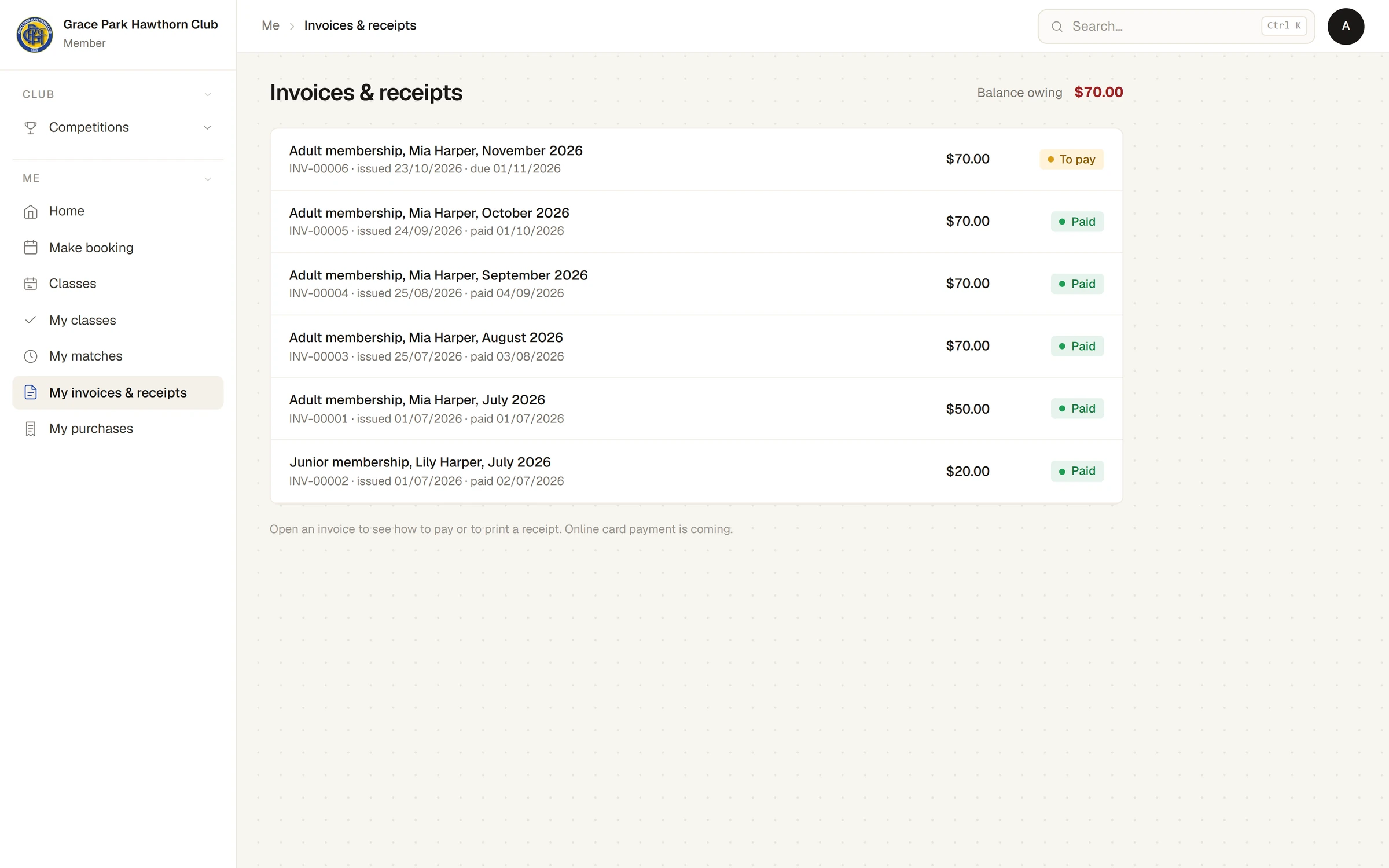
If you have none, the page says You have no invoices yet.
Open an invoice
Press a row to open the invoice. It shows:
- the club's name, Tax invoice (or Tax invoice / Receipt once it is paid), and the invoice number;
- who it is billed to, when it was issued and when it is due;
- each line with its quantity, price, GST and amount;
- the GST the total includes, the total and the amount still due;
- How to pay, with the club's bank details, while it is unpaid.
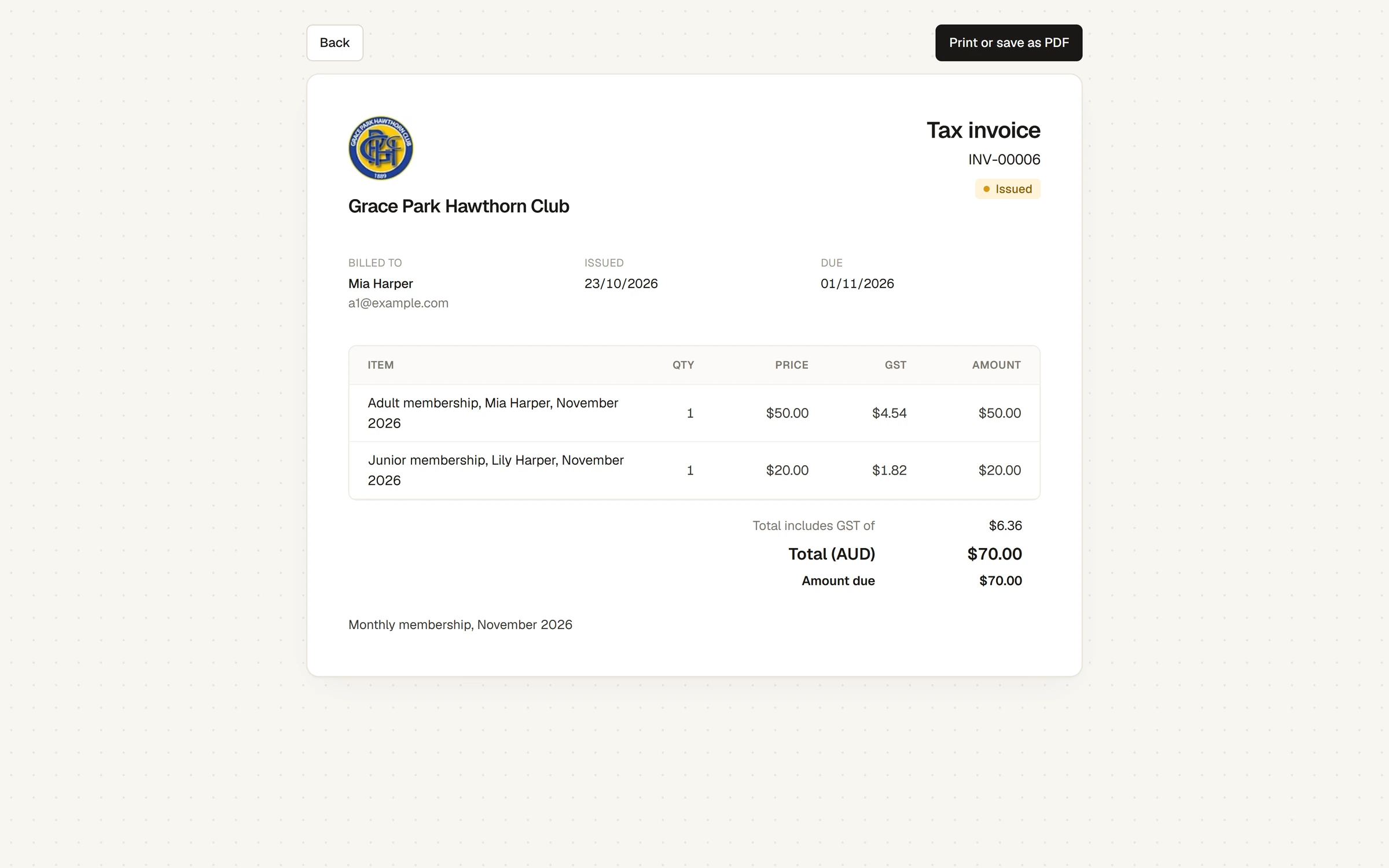
Press Print or save as PDF to print it, or to keep a copy as a receipt. Press Back to return to the list.
How to pay
Pay using the bank details under How to pay on the invoice, with the invoice number as the reference. The club records the payment when it arrives, and the invoice then shows Paid.
Whose invoices you see
You see only invoices addressed to you. A household's membership invoices go to the person who pays for it, the head of the household. If your household pays monthly, there is one invoice a month for everyone in it, with a line for each person.
Nothing on this page can be changed. If an invoice looks wrong, contact the club office.
Last checked in release 2026.10.23, on 23 October 2026.